macOS menu-bar app
More Desktop.
Give every task its own Mac desktop. Switch the files, layout, and wallpaper in one keystroke.
14 days free · no account · one-time purchase
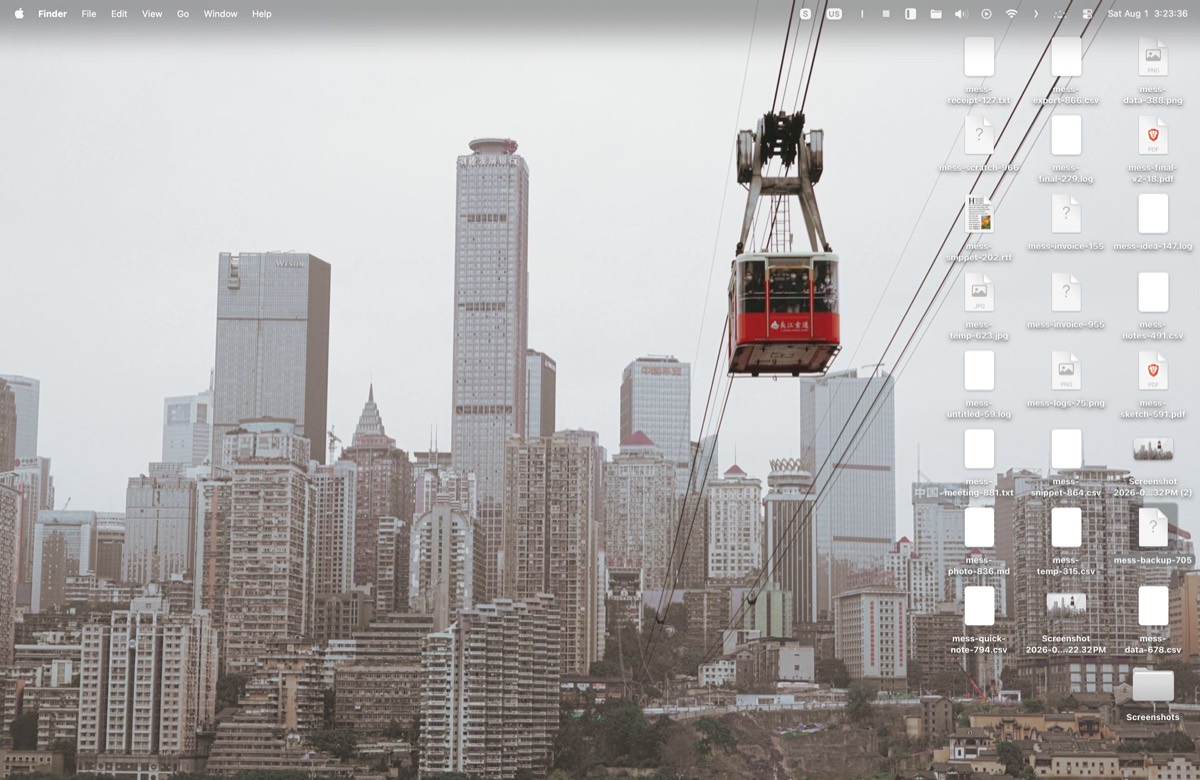
Your desktop is not messy. It is just full.
Everything passes through it, and nothing has a place to be.
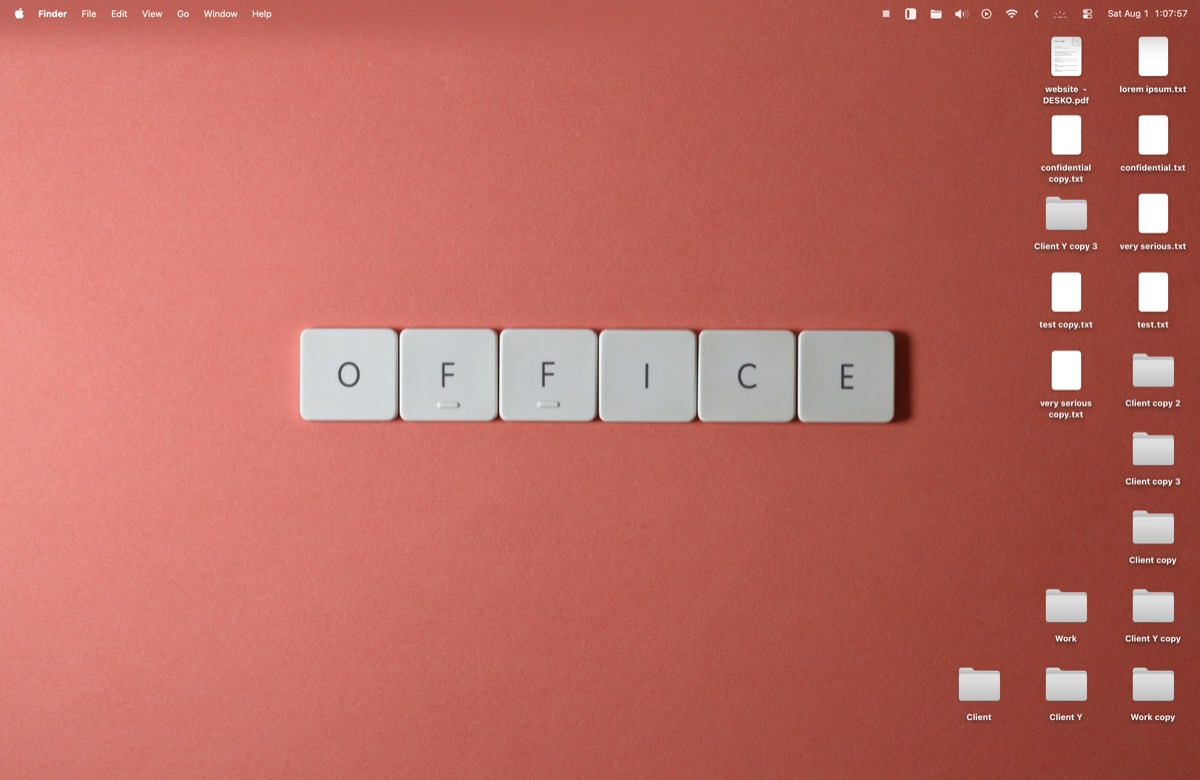
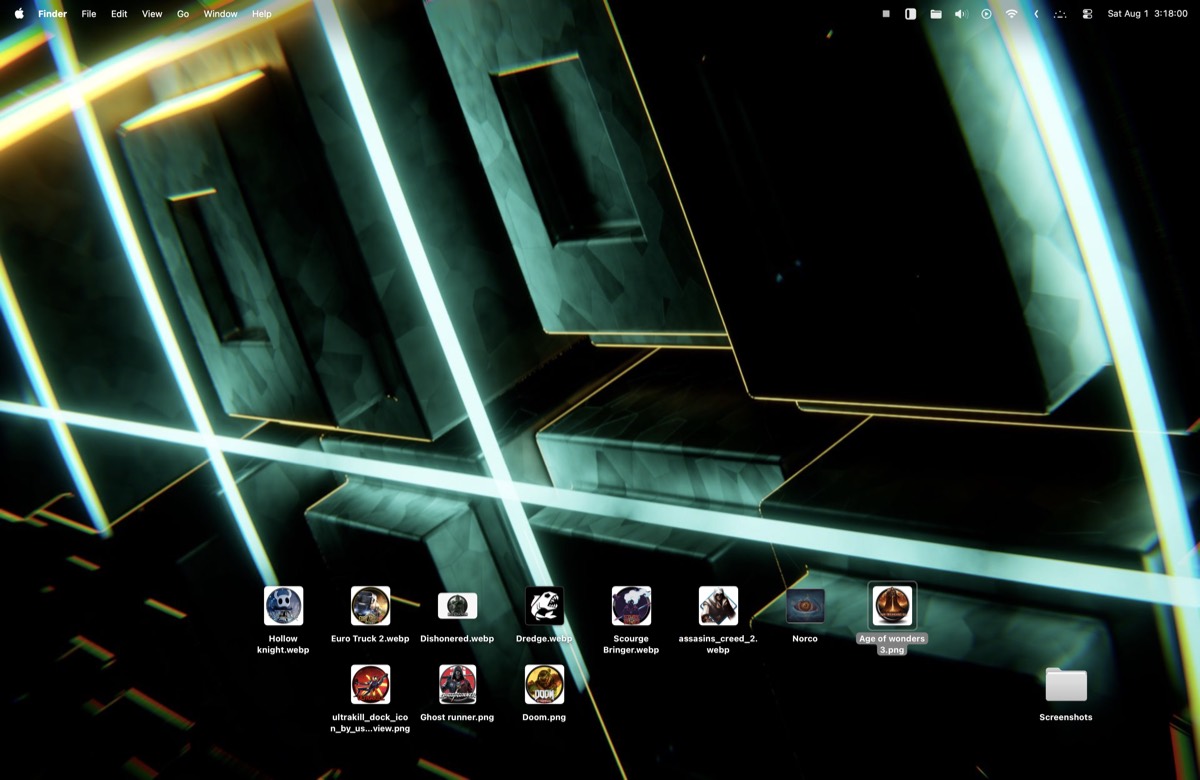
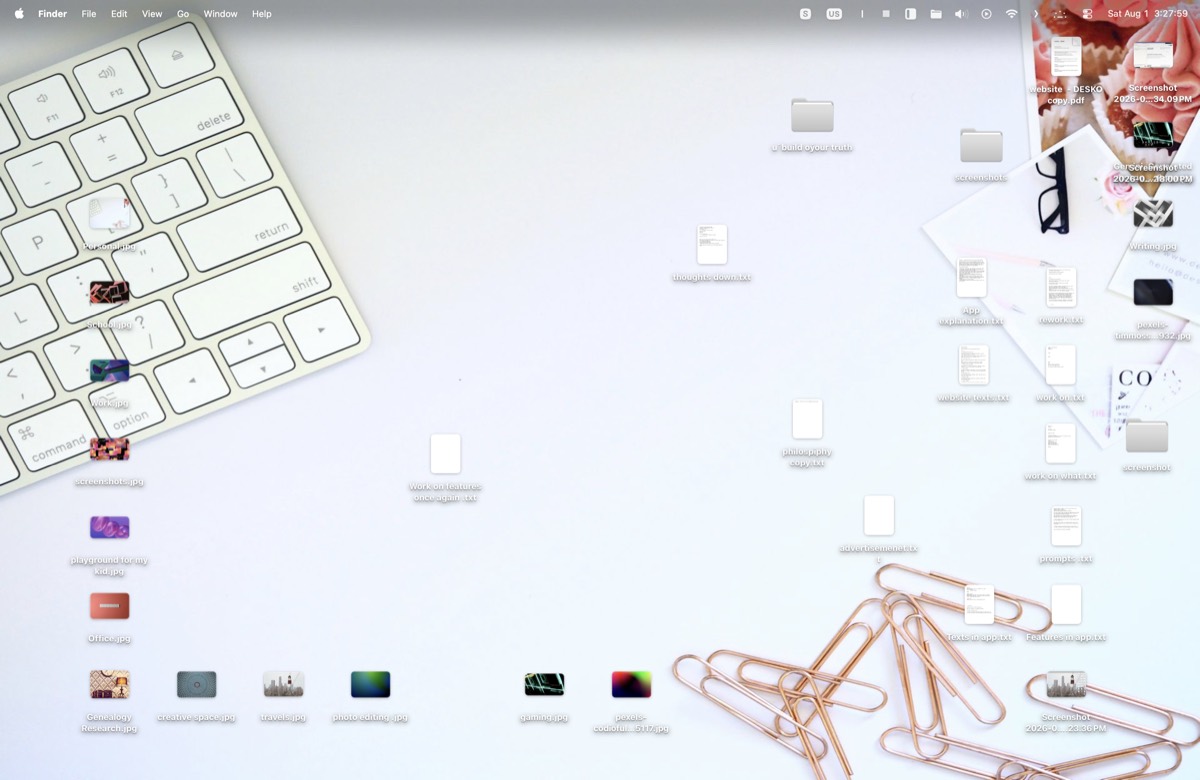
So Deskdeck gives every task a desktop of its own, showing you only the most relevant files.
Switch your desktop.
Make
Work, Design, Invoices — one for every job you keep coming back to.
Load
Drag in what the job needs. It stays on that desktop and nowhere else.
Switch
Switch away and it waits. The job resumes where it stopped.
Lay it out.
Set it up.
Customise each desktop to whatever style suits the task — a colour for the project, or your own wallpaper tied to the system’s light and dark mode.
Icon positions are remembered per desktop. A set comes back exactly as you left it.

Feature rich.
A program this close to the heart of your productivity deserves depth. So it has some.

Rapid switching
From anywhere, in a blink, with plenty of options. A global shortcut, a click in the menu bar, or from the dock.

Pinned folders
Pin what is universal. Some folders live on every desktop no matter the context — pinned once, they stay through every switch.

Overview dock
An overview of all your desktops, summoned anywhere — and you can drag files straight into it.

Custom wallpapers
A simple colour per project, or your own wallpaper — each one tied to the system’s light and dark mode.

Animated transitions
Desktops don’t blink in and out. They arrive, so you can see what changed.

Screenshot sweep
Screenshots find their own desktop. Write a name-pattern rule and anything else can follow them.

Cleanup calendar
Schedule the tidy-up. A quiet reminder when a desktop has been sitting untouched too long.

Archive
Temporary desktops archive themselves on a timer. Nothing to remember, nothing left behind.
Lightweight architecture
One small menu-bar process. It moves folders and gets out of the way.
What should we build next?
No promises, but every feature request gets read and is taken into account.
Request →Real files.
Real Finder.
There is no virtual layer and no custom renderer. Every desktop is an ordinary folder, and Deskdeck simply moves it in and out — remembering where each icon sat.
~/DeskDeck Desktops/Work
Pay once.
It’s yours.
Deskdeck keeps multiple named desktops on your real Mac desktop, and switches between them at a keystroke.
3 Macs · macOS 13+ · 6 MB